Trades / CORE Utilities
Storm, sewer and water footage, by type.
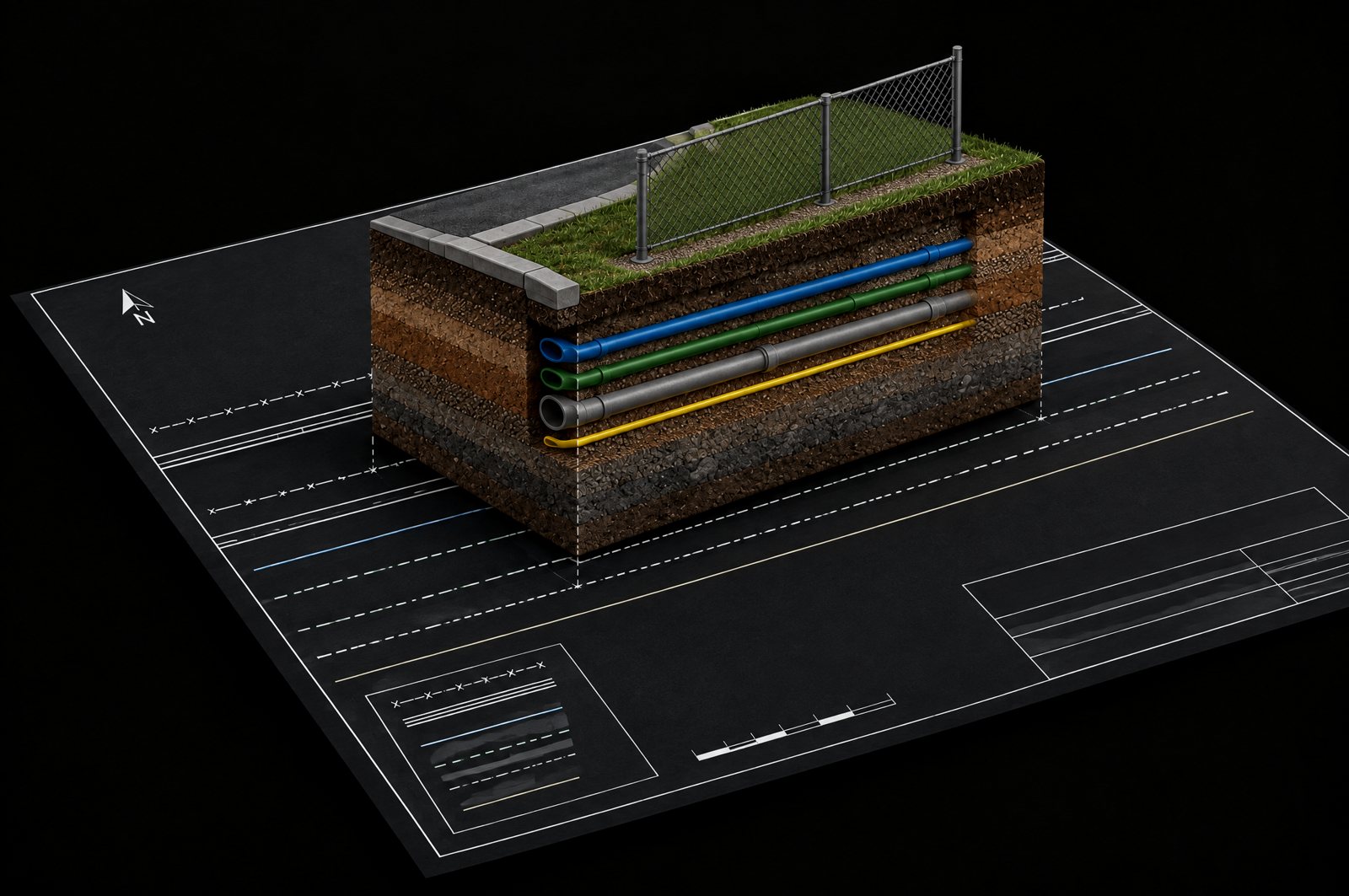
One click finds the lines on the utility sheet and groups them by type, for you to check. Where the sheet has a legend or CAD layers, rows are named from them, and you confirm each one. You check a list instead of tracing every run.
In the app
See it done on a sample sheet
What you get
What it does, and what you check
Found first, checked second
CORE finds the lines and groups them by type. You check them and keep the rows you are bidding.
Named from the sheet, confirmed by you
Where the PDF carries a legend or CAD layer names, rows are named from them. Where it does not, a row comes in without a name and you give it one. Either way, you confirm each name.
Every number links back to its lines
Click a row and its lines are shown on the sheet. Split a run, extend it, cut a span, merge two, redraw one or rename it.
Know the limit
On a sheet that also shows grading, contour lines can come in as rows of footage too. Leave out the rows you are not bidding.
What is in it
What is live, and what is next
We mark what is not in the product yet, so you know what you are buying today.
| Feature | What you get | Status |
|---|---|---|
| Detect | The lines on the page, grouped by type, for you to check. | In the product |
| Row names | From the sheet's legend or CAD layers where it has them. You confirm each one. | In the product |
| Footage by type | Per sheet and across the sheets of the job. | In the product |
| Edit tools | Split, extend, cut, merge, redraw, rename. | In the product |
| Hand tools Coming soon | Draw an area or click to count when the plan is unusual. | Not yet |
Every number shows its source, so you can check it against the sheet. Nothing is priced until you add it to the takeoff.
The rest of the civil set, on the same list
See it on your own plans.
Book a demo, or request access and try it on a job you already took off. 30-day money-back guarantee.