Trades / CORE Site Concrete
Curb by the foot. Areas where the sheet fills them in.
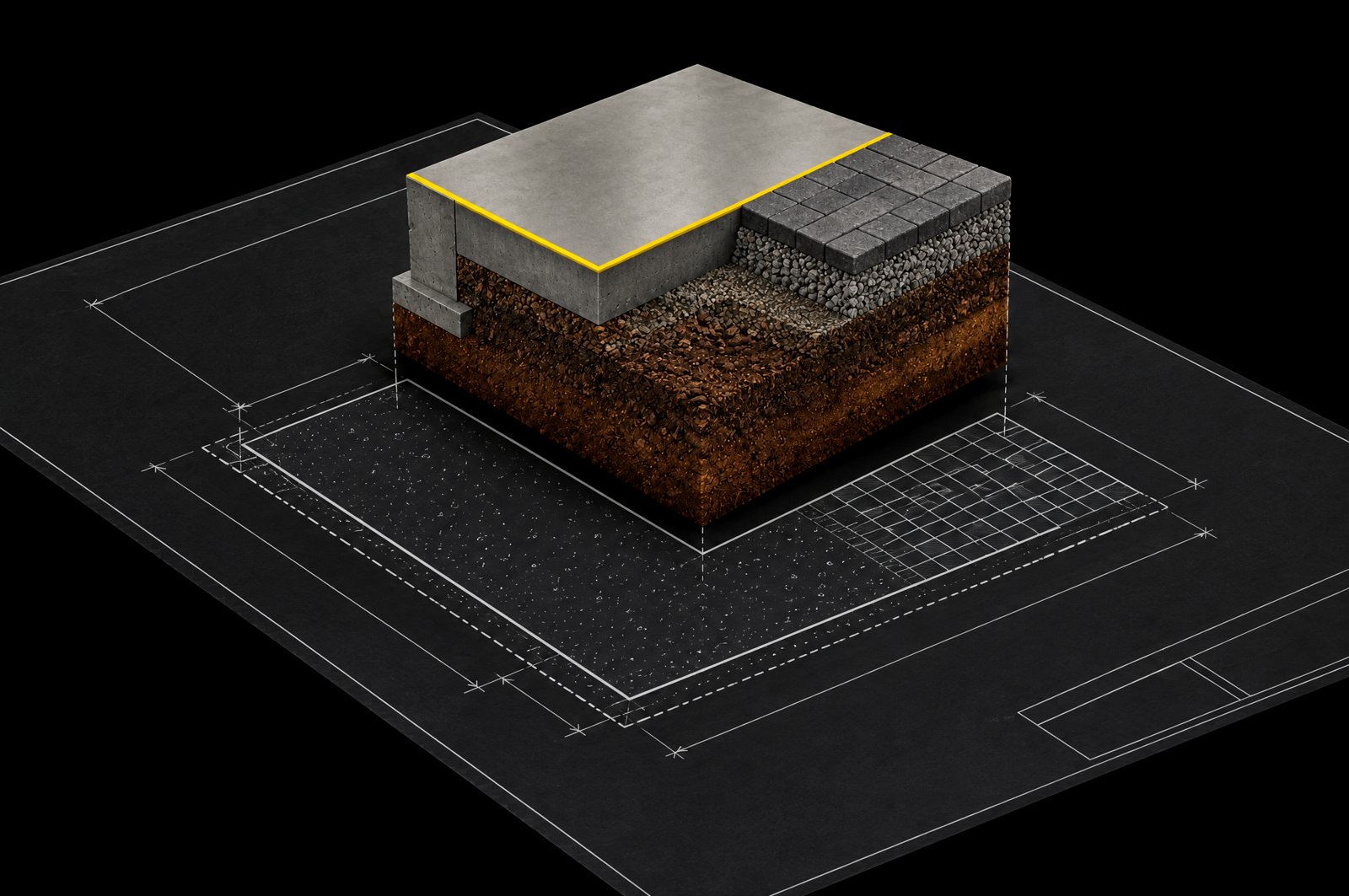
The limit first: CORE measures an area only where the sheet draws it as a solid fill. Paving and walks drawn as a line hatch come in as lines today, so you get their lengths, not their square footage. Curb, gutter and footing lines are measured by the foot.
In the app
See it done on a sample sheet
What you get
What it does, and what you check
Know the limit
Paving and walks drawn as a line hatch come in as lines today, not as areas. You get their lengths; the area has to be worked out by hand, and a tool to draw it in CORE is not built yet.
Curb and footings by the foot
Curb, gutter and footing lines carry their length on the same list as the pipe.
Areas where the sheet allows
Regions drawn as a solid fill, such as a slab or a building footprint, are found and measured, with the length of their edge.
Your prices
Rows are priced from your own unit prices once you add them.
What is in it
What is live, and what is next
We mark what is not in the product yet, so you know what you are buying today.
| Feature | What you get | Status |
|---|---|---|
| Lengths | Curb, gutter and footings. | In the product |
| Areas | Regions drawn as a solid fill only. Line hatches are read as lines. | In the product |
| Hand tools Coming soon | Draw an area yourself, for hatched paving or an unusual plan. | Not yet |
Every number shows its source, so you can check it against the sheet. Nothing is priced until you add it to the takeoff.
The rest of the civil set, on the same list
See it on your own plans.
Book a demo, or request access and try it on a job you already took off. 30-day money-back guarantee.