Trades / CORE Trenching
Trench dig and bedding, from the depths you type.
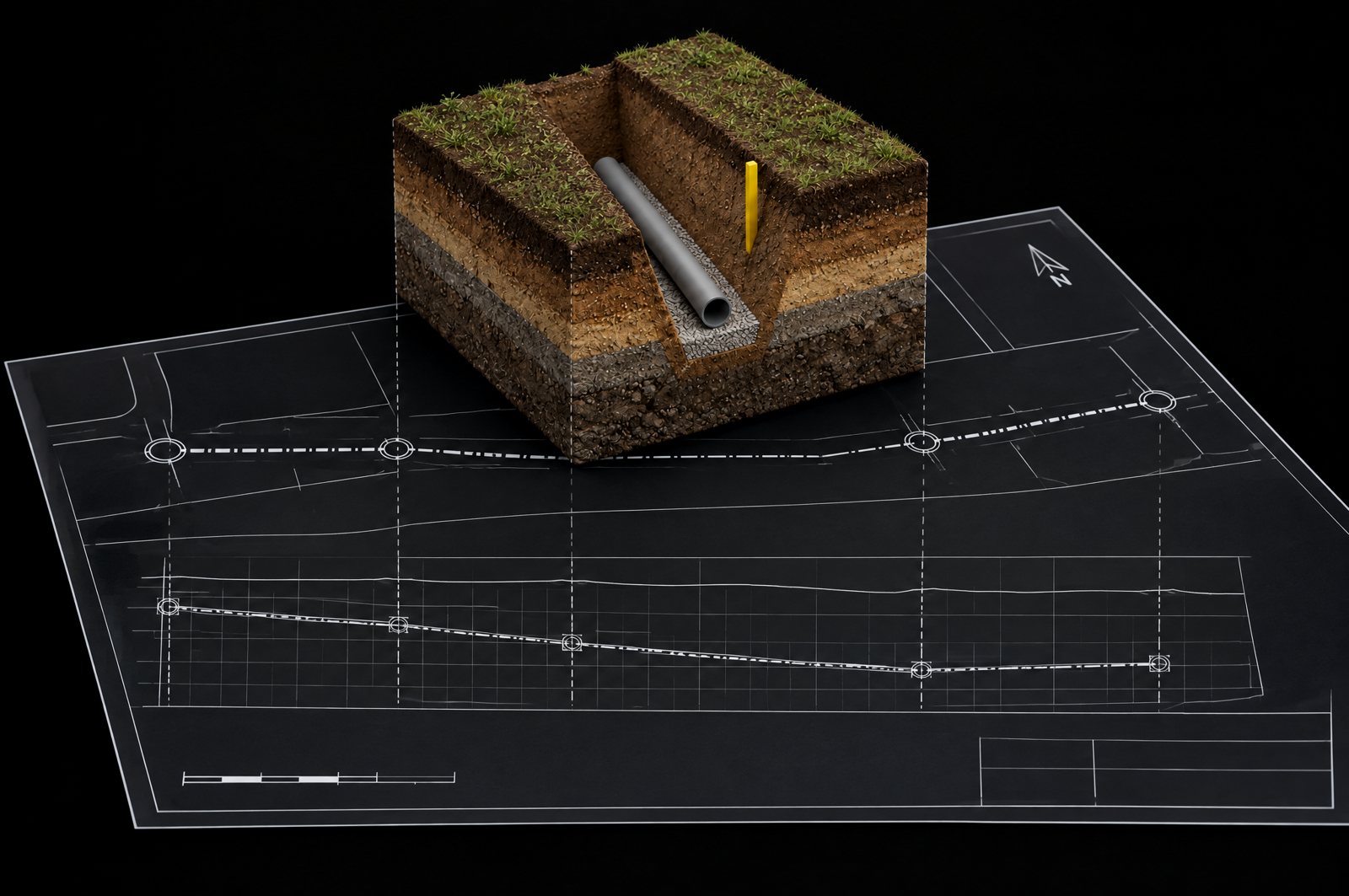
Pick a pipe run CORE found on the utility sheet and type its depths. CORE works out the excavation and the bedding and splits the footage into depth bands, the way a trench is priced. The depths are yours to enter: CORE does not work them out for you.
In the app
See it done on a sample sheet
What you get
What it does, and what you check
Start from the pipe that is drawn
The run is a line CORE already found on the sheet. You pick it; you do not trace it.
You set the depths
Type the run's depths from the profile or the inverts on the sheet. CORE does the arithmetic from there.
Priced the way you dig it
Deeper trench costs more. The footage comes back in depth bands so each band takes its own price.
Bedding included
Bedding is worked out with the trench, by pipe size. Trench rows sit beside the pipe footage and the structures on one takeoff.
What is in it
What is live, and what is next
We mark what is not in the product yet, so you know what you are buying today.
| Feature | What you get | Status |
|---|---|---|
| Trench excavation | For each run, from its pipe size and the depths you enter. | In the product |
| Bedding | Worked out with the trench. | In the product |
| Depth bands | Pipe footage split by how deep it runs. | In the product |
Every number shows its source, so you can check it against the sheet. Nothing is priced until you add it to the takeoff.
The rest of the civil set, on the same list
See it on your own plans.
Book a demo, or request access and try it on a job you already took off. 30-day money-back guarantee.